The animated tour is unavailable. You can read the full story below.
The AI workforce
Traditional hire: BLS ECEC, June 2026, full-time private industry, $54.00/hr × 2,080 hrs. Glyphor Growth, $900/mo per coworker.
Hire AI employees by the role. They join your org chart with their own identity and their own job, at a fraction of the cost.
5people+0hired
Traditional hire$0/mo
Glyphor$0/mo

Org chartSearch people
 Jordan KimChief executive
 Dana OkaforController
 Sam PatelHead of operations
 Marcus LeeHead of revenue
 Ade BelloSenior accountant
 AP coordinatorAI coworker
 Support specialistAI coworker
 IT help desk analystAI coworker
 Receivables clerkAI coworker
 Sales ops analystAI coworker
 RecruiterAI coworker
 Payroll specialistAI coworker
 Marketing opsAI coworker
 Executive assistantAI coworker
 Procurement analystAI coworker
 Renewals specialistAI coworker
 HR coordinatorAI coworker
 Billing specialistAI coworker
 Lead researcherAI coworker
 Benefits specialistAI coworker
+0 more
+0 more
+0 more
AI that
works.
Hire AI employees by the role. They join your org chart with their own identity and their own job, at a fraction of the cost.
Get access

 AI Assistant









Every AI platform made the same three promises. Autonomy. Security. Productivity.
Here is what they sold you.
- Secure by design. It signs in as you.
- 3,200 integrations. Nobody has set up six.
- You’re in control. You are. That is the problem.
- Human in the loop. You are the loop.
- Reliable, grounded, trustworthy. Until it is confidently wrong.
- Proactive. Name one. We will wait.
- Works while you sleep. So does your inbox.
- Fully autonomous. Approve to continue.
Under every claim, it is still you.
When it breaks, it is still you.
The laptop opens on a Windows desktop. An AI assistant is signed in as Dana Okafor and uses her account in Outlook, QuickBooks and Teams. Yesterday it emailed two vendors from Dana’s address. It has done nothing since.
Four errors appear, one after another. Identity error: agent is acting on behalf of user. Access error: connected tools inherit user scope. Accountability error: actions resolve to human owner. Autonomy error: no standing job, awaiting prompt.
That was the bug.
So we built the other thing.
Same promises. This time, they stick. The “Hello, my name is You” sticker comes back, with “You” taped over and “Mara” written in marker. Not you. Mara. Secure by design: it signs in as Mara: her own Microsoft Entra ID account, mara.ap@harborpine.com, sponsored by Dana Okafor, with QuickBooks, Outlook and Teams assigned and payment release restricted. Proactive: here’s one. Kestrel Packaging’s $18,400 payment, INV-4518, had new bank details this morning and is $1,500 over PO-2219. Mara held it at 5:51 AM. Works while you sleep: Dana was offline. Mara wasn’t. At 5:52 AM she emailed ap@kestrelpackaging.com, the contact on file, from her own mailbox to confirm the new bank details by phone. Reliable, grounded, trustworthy: every action, on the record. The audit log shows four actions by Mara and none by Dana. You’re in control: of the one decision that needs you. Dana gets one approval request, release $18,400 to Kestrel Packaging, with Approve once, Keep locked and Review vendor. Everything else is done. It did the work before anyone asked. Because it owns the job, not the chat thread.


 AI agent



Hire your first AI worker. Start with the job nobody owns. A Glyphor badge drops in on a lanyard. The name line says “Hire me” in marker, and it reports to you.
Before you hire.
What is an AI worker?
An AI worker is hired into a role, like accounts payable coordinator. It gets its own identity, its own mailbox and a manager, and it runs that job continuously instead of waiting for prompts.
 A · AI worker
How is this different from a copilot or assistant?
A copilot helps a person do their work, and it waits to be asked. An AI worker owns the work. It plans, acts in your tools and only brings you the decisions that need a human.
A · AI workerWhose account does it sign in with?
Its own. Each worker gets its own Microsoft Entra ID account and mailbox, sponsored by its manager. Nothing runs under your login, so every action is recorded to the worker, not to you.
A · AI workerWhat can it do without asking me?
Whatever its role allows, inside limits you set. Anything outside that mandate, like releasing a held payment, comes to you as one approval request in Teams.
A · AI workerWhich tools does it work in?
The ones your team already uses, with its own access. In the example on this page, that is Microsoft Entra ID, Outlook, Teams, QuickBooks and Microsoft Purview.
A · AI workerHow is it priced?
Per worker, not per seat. Growth is $900 a month per worker. Enterprise is priced to your team.
A · AI workerIs my data safe?
Each worker gets only the access its job needs, under its own identity, so its permissions can be scoped and revoked like any employee’s. Every action it takes is on the audit record in Microsoft Purview.
A · AI workerHow do I get started?
Email hello@glyphor.ai. We are onboarding a small group of design partners.
A · AI workerAI that works.
Hire AI employees by the role. They join your org chart with their own identity and their own job, at a fraction of the cost.
Get access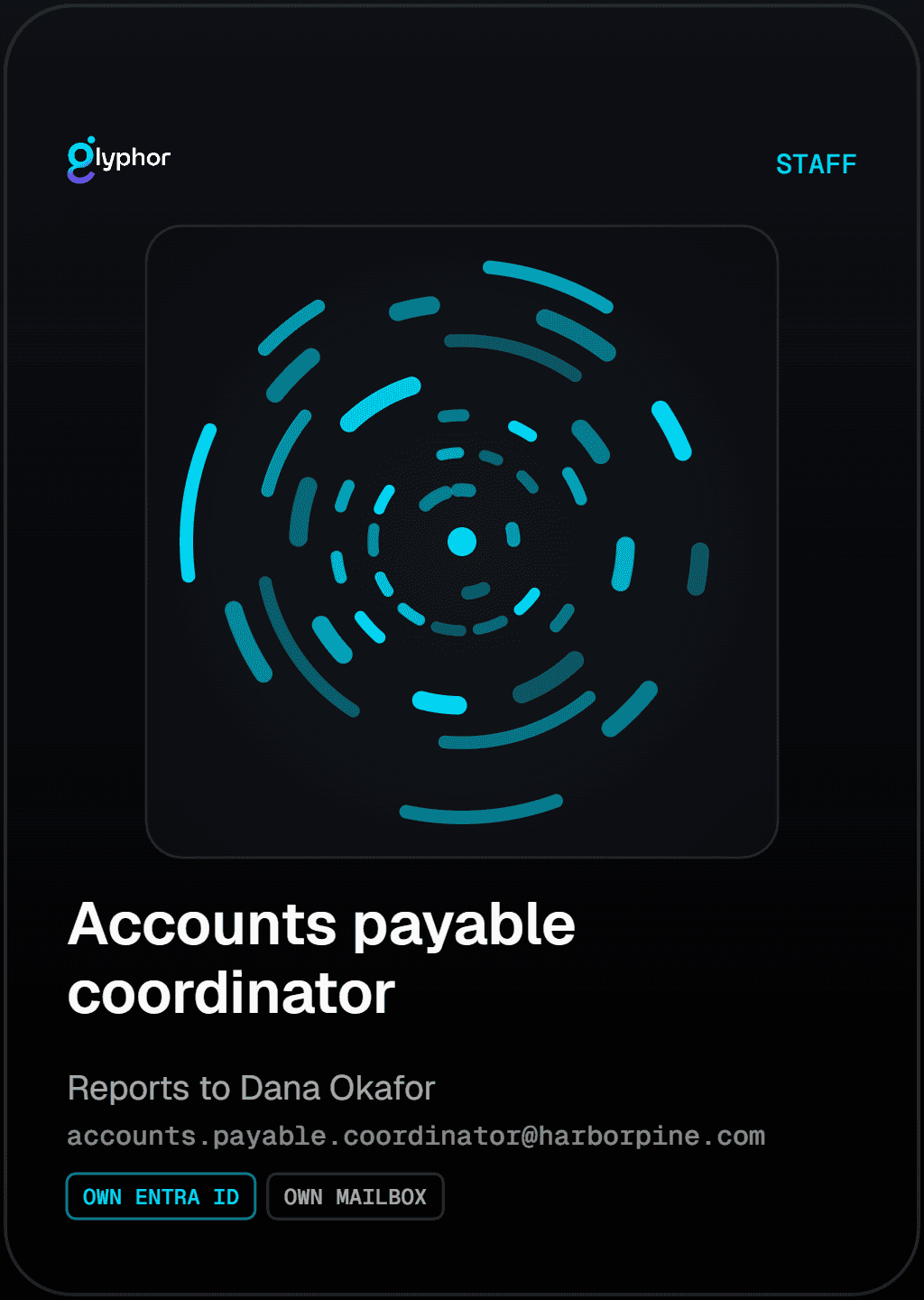
5 people + 25 hired
- Traditional hire
- $234,000/mo
- Glyphor
- $22,500/mo
Every AI platform made the same three promises.
Autonomy. Security. Productivity. Here is what they sold you.


“Secure by design”
It signs in as you.
“3,200 integrations”
Nobody has set up six.

“You’re in control”
You are. That is the problem.
“Human in the loop”
You are the loop.

“Reliable, grounded, trustworthy”
Until it is confidently wrong.
“Proactive”
Name one. We will wait.

“Works while you sleep”
So does your inbox.
“Fully autonomous”
Approve to continue.
Under every claim, it is still you.

IDENTITY ERROR
Agent is acting on behalf of user. Signed in as dana.okafor@harborpine.com.
ACCESS ERROR
Connected tools inherit user scope. QuickBooks, Outlook and Teams use Dana’s permissions.
ACCOUNTABILITY ERROR
Actions resolve to human owner. Audit log actor: dana.okafor@harborpine.com.
AUTONOMY ERROR
No standing job. Awaiting prompt. Type a request to continue.
That was the bug. So we built the other thing.
Same promises. This time, they stick.
Not you. Mara.
It signs in as Mara.
Mara (AI agent)
AP Operations · Harbor Pine Finance
mara.ap@harborpine.com
Sponsor: Dana Okafor
Assigned apps: QuickBooks, Outlook, Teams
Restriction: Payment release
Here’s one.
INV-4518 · Kestrel Packaging
$18,400.00
PO-2219: $16,900.00 · Variance: +$1,500.00
Pay-to ACH ••••7731 changed today
On hold
Mara · 5:51 AM
Held. New bank details aren’t verified and the invoice is $1,500 over PO-2219.
Dana was offline. Mara wasn’t.
Please confirm your new bank details
Mara → ap@kestrelpackaging.com
Tue 5:52 AM
We received new bank details for INV-4518. We’ve held the payment until you confirm the change by phone, using the number we have on file.
Every action, on the record.
Microsoft Purview · INV-4518 · Oct 13
mara.ap@harborpine.com
5:51 · Bill placed on hold
5:52 · Send
5:52 · Bill note added
5:53 · Message posted
User: dana.okafor@harborpine.com · 0 results
Of the one decision that needs you.
Release $18,400 to Kestrel Packaging?
Mara · 5:53 AM
Morning Dana. Everything else is done. One payment needs your call.
New bank details aren’t verified
$1,500 over PO-2219
Approve once · Keep locked · Review vendor
It did the work before anyone asked.
Because it owns the job, not the chat thread.
Hire your first AI worker.
Start with the job nobody owns.
Get access
Before you hire.
What is an AI worker?
An AI worker is hired into a role, like accounts payable coordinator. It gets its own identity, its own mailbox and a manager, and it runs that job continuously instead of waiting for prompts.
A · AI workerHow is this different from a copilot or assistant?
A copilot helps a person do their work, and it waits to be asked. An AI worker owns the work. It plans, acts in your tools and only brings you the decisions that need a human.
A · AI workerWhose account does it sign in with?
Its own. Each worker gets its own Microsoft Entra ID account and mailbox, sponsored by its manager. Nothing runs under your login, so every action is recorded to the worker, not to you.
A · AI workerWhat can it do without asking me?
Whatever its role allows, inside limits you set. Anything outside that mandate, like releasing a held payment, comes to you as one approval request in Teams.
A · AI workerWhich tools does it work in?
The ones your team already uses, with its own access. In the example on this page, that is Microsoft Entra ID, Outlook, Teams, QuickBooks and Microsoft Purview.
A · AI workerHow is it priced?
Per worker, not per seat. Growth is $900 a month per worker. Enterprise is priced to your team.
A · AI workerIs my data safe?
Each worker gets only the access its job needs, under its own identity, so its permissions can be scoped and revoked like any employee’s. Every action it takes is on the audit record in Microsoft Purview.
A · AI workerHow do I get started?
Email hello@glyphor.ai. We are onboarding a small group of design partners.
A · AI worker